 Honest Mac Comparison
 Looking for UltFone iOS Data Manager? Meet the native macOS alternative.
If you are researching UltFone iOS Data Manager to back up, browse, or export your iPhone data on a Mac, see why privacy-conscious Mac users choose iPhone Data Manager: Apple-notarized, strictly read-only, no account required, and engineered exclusively for macOS.
- 100% local
- Notarized by Apple
- No account needed
- Free to try
What to look for when choosing an iOS data manager for your Mac
Your iPhone backup contains your most sensitive personal messages, photos, and financial details. The architecture of the software you install on your Mac matters.
Architecture & Security
100% Native macOS & Notarized by Apple
Built specifically for macOS 12 Monterey and later (universal binary for Apple Silicon M1–M4 and Intel). Signed with an Apple Developer ID and notarized by Apple — with zero background bloatware or kernel extensions.
Data Safety
Strictly read-only access vs. write-access utilities
Tools that inject or modify files inside live iOS databases carry a risk of corrupting your device state. iPhone Data Manager is strictly read-only by design: it reads and exports your data safely without altering a single byte on your iPhone.
Privacy & Accounts
Zero cloud telemetry & no mandatory user account
You never create a user account or log in to use iPhone Data Manager. All parsing happens 100% locally on your Mac, and local diagnostic logs never record message bodies, phone numbers, or personal content.
Exclusive Feature 01 · WhatsApp Intelligence
SHA-256 Tamper-Evident Transcripts & Business Lead Extraction
Capabilities built for business owners, legal documentation, and power users that standard cross-platform data managers simply do not have.
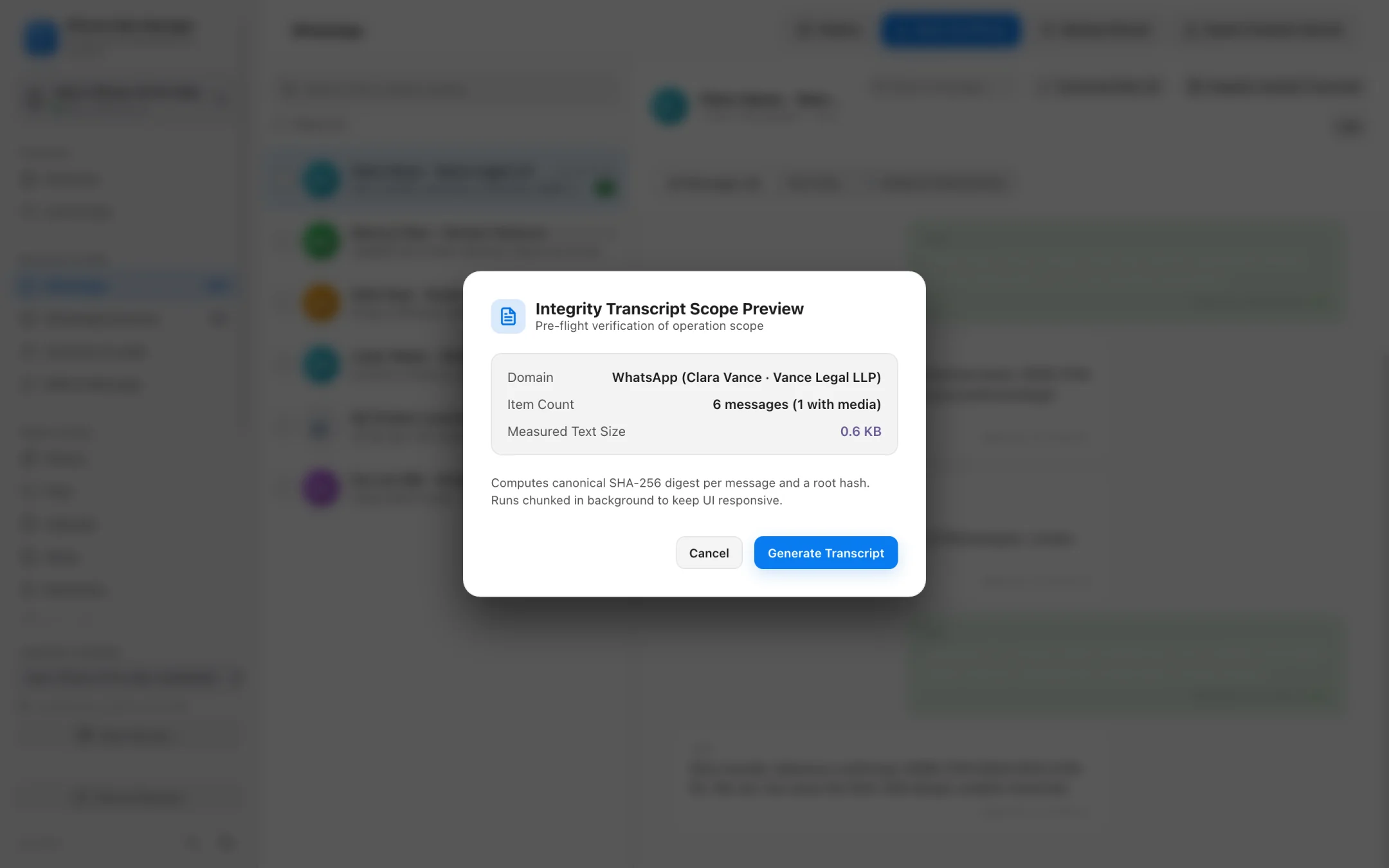
- Every exported PDF transcript calculates a cryptographic SHA-256 hash per message plus a document root hash.
- Automated Lead Extractor scans WhatsApp chats for phone numbers, emails, physical addresses, and valid IBANs.
- Smooth scrolling and instant search across chat databases with tens of thousands of messages.
- Export chats and extracted leads to clean CSV or contacts to vCard 3.0.
Exclusive Feature 02 · Data Time Machine & Lean Mode
Compare backups across dates and audit backup health.
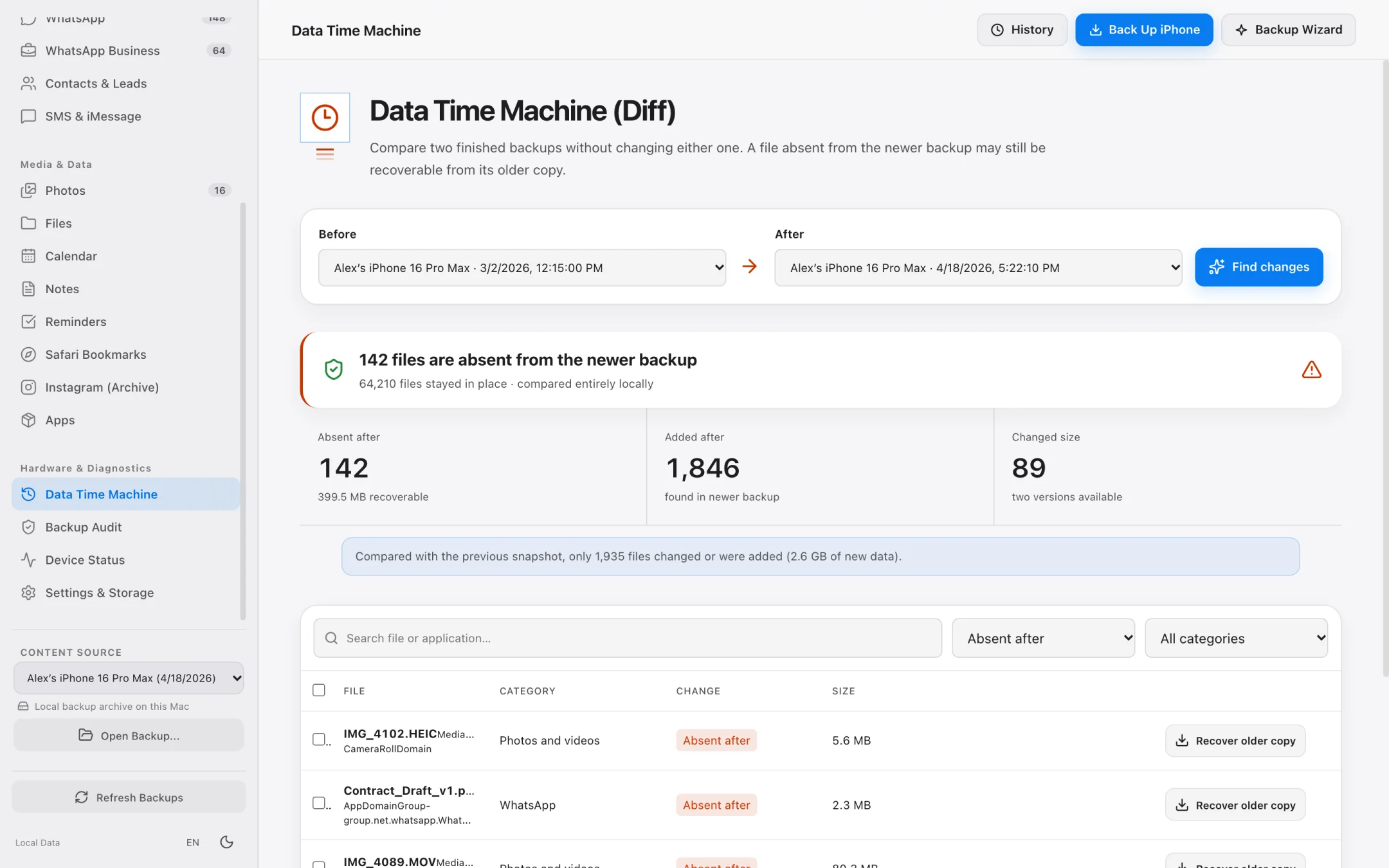
Don't just create backups — verify their integrity and see exactly what changed between two points in time.
- Data Time Machine diffs any two backups to highlight what was added, modified, or deleted.
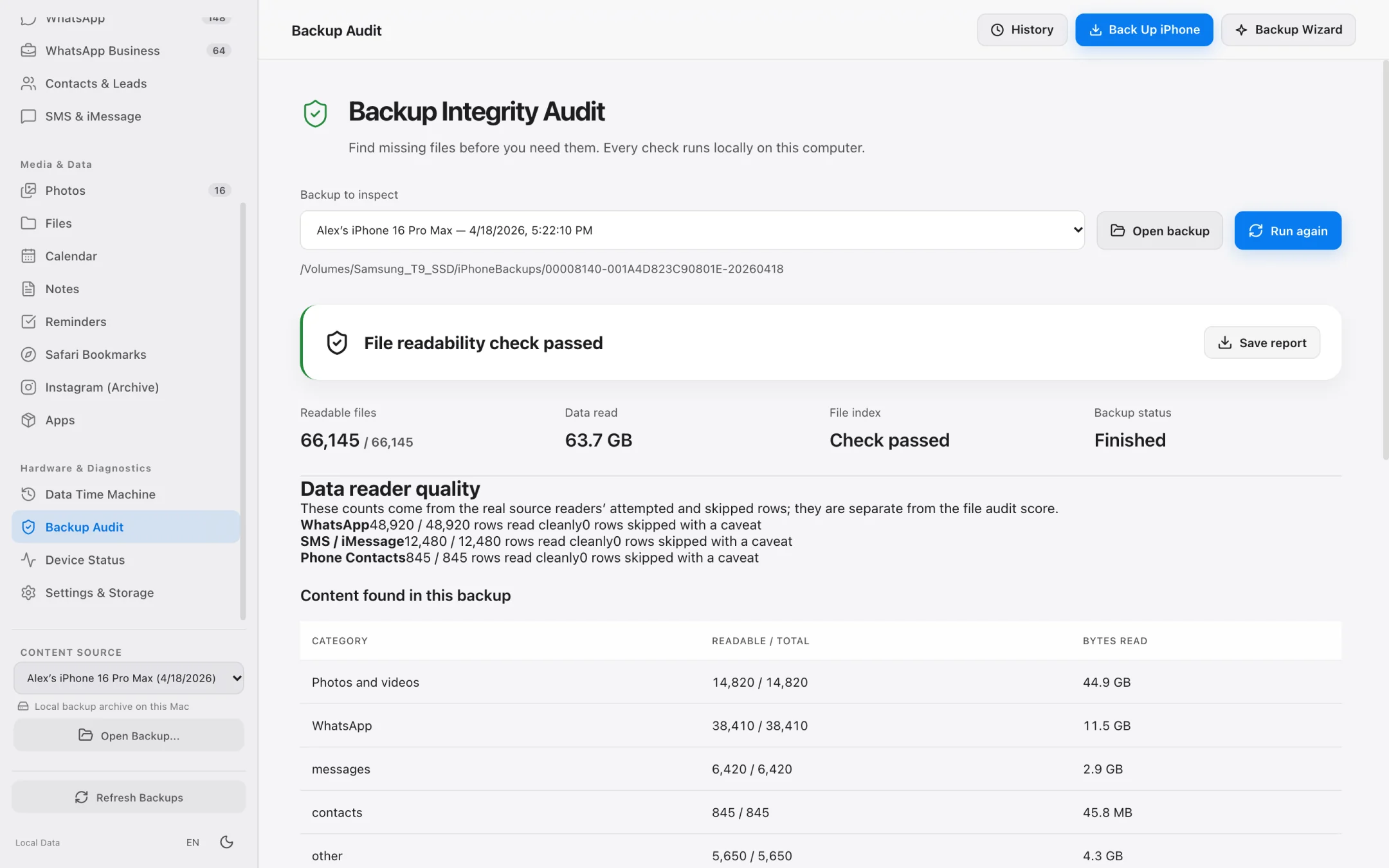
- Backup Health Check runs a structural integrity audit and exports a verification report.
- Lean Mode backs up essential databases (WhatsApp, Contacts) when Mac disk space is tight.
- Pro Diagnostics module streams live iOS system logs, crash reports, and consented network captures.
Feature & Architecture Comparison
iPhone Data Manager vs. Cross-Platform Utility Suites vs. Finder
An objective look at how iPhone Data Manager is tailored specifically for macOS privacy and professional workflows.
| Criterion | Typical Cross-Platform Suites (e.g. UltFone) | macOS Finder | iPhone Data Manager (Mac) |
|---|---|---|---|
| Primary Focus | Broad Windows/Mac multi-tool suite | Basic OS sync & full-device restore | Dedicated macOS local backup, browser, export & diagnostics |
| Device Access Mode | Read/Write (modifies device media/files) | Sync / Full overwrite restore | Strictly Read-Only (zero risk of corrupting iPhone data) |
| WhatsApp SHA-256 PDF Transcripts | No cryptographic message/root hashing | No WhatsApp access | Built-in per-message & root SHA-256 PDF transcripts |
| Automated IBAN / Phone / Email Lead Extractor | No | No | Yes — extracts structured business leads from chats to CSV |
| Data Time Machine (Backup Diffing) | No historical diff view | No | Compares any two backups to show added, changed & deleted items |
| Free Tier Capabilities | Severely restricted preview | Free, but cannot browse inside backups | Free full local backups, free browsing of all data + 7-day trial |
Trademark Disclaimer: UltFone is a trademark of its respective owner. iPhone Data Manager is an independent macOS application and is not affiliated with or endorsed by UltFone or Apple Inc.
Frequently asked questions.
How is iPhone Data Manager different from UltFone iOS Data Manager?
iPhone Data Manager is built exclusively for macOS with a strictly read-only, privacy-first architecture. Beyond standard backup browsing and photo/file exporting, it includes specialized tools like Data Time Machine (comparing two backups over time), Backup Health Check, WhatsApp Business Lead Extraction (IBANs, phones, emails), SHA-256 tamper-evident PDF transcripts, and Pro Diagnostics.
Can I try iPhone Data Manager for free before buying a plan?
Yes. In the Free tier, you can view all of your data, run full local backups to your Mac or external drive, and perform sample exports. Plus, when you first connect an iPhone, a 7-day full-feature trial activates automatically without requiring a credit card.
Does iPhone Data Manager require an Apple ID login or cloud account?
No. You never enter your Apple ID password or create a cloud account. Everything runs locally on your Mac.
Does it support Windows?
Currently, iPhone Data Manager is engineered natively for macOS 12 Monterey and later (Apple Silicon & Intel). A Windows waitlist is available on our Pricing and Support pages.
Explore Specialized Workflows
iPhone Storage Manager
Free up gigabytes on your iPhone and Mac with external SSD backups, Lean Mode, and exact byte-size photo offloading.
iPhone File Manager
Browse accessible iPhone app folders and decoded local backup file trees without opaque SHA-1 filenames.
iPhone Transfer Software
Transfer photos, 4K videos, WhatsApp chats, SMS, and contacts from iPhone to Mac in standard, open formats.
My Data Manager iPhone Guide
Track cellular data quotas in iOS and inspect live network traffic & local backups on your Mac.
See what is on your iPhone today.
Free to download. Browse your data and run full backups before paying a cent.